tracking alone rarely helps strong
mood monitoring on its own barely changes symptoms; adding brief skills does (Astill Wright et al., 2026; Everitt et al., 2021)
so tabula: never claims tracking treats anything.
 closed beta · v0.2.3 · gypsum
the nearly-everything app.
habits, mood, sleep, water, workouts, books, medication, and more, together in one calm place on mac and iphone.
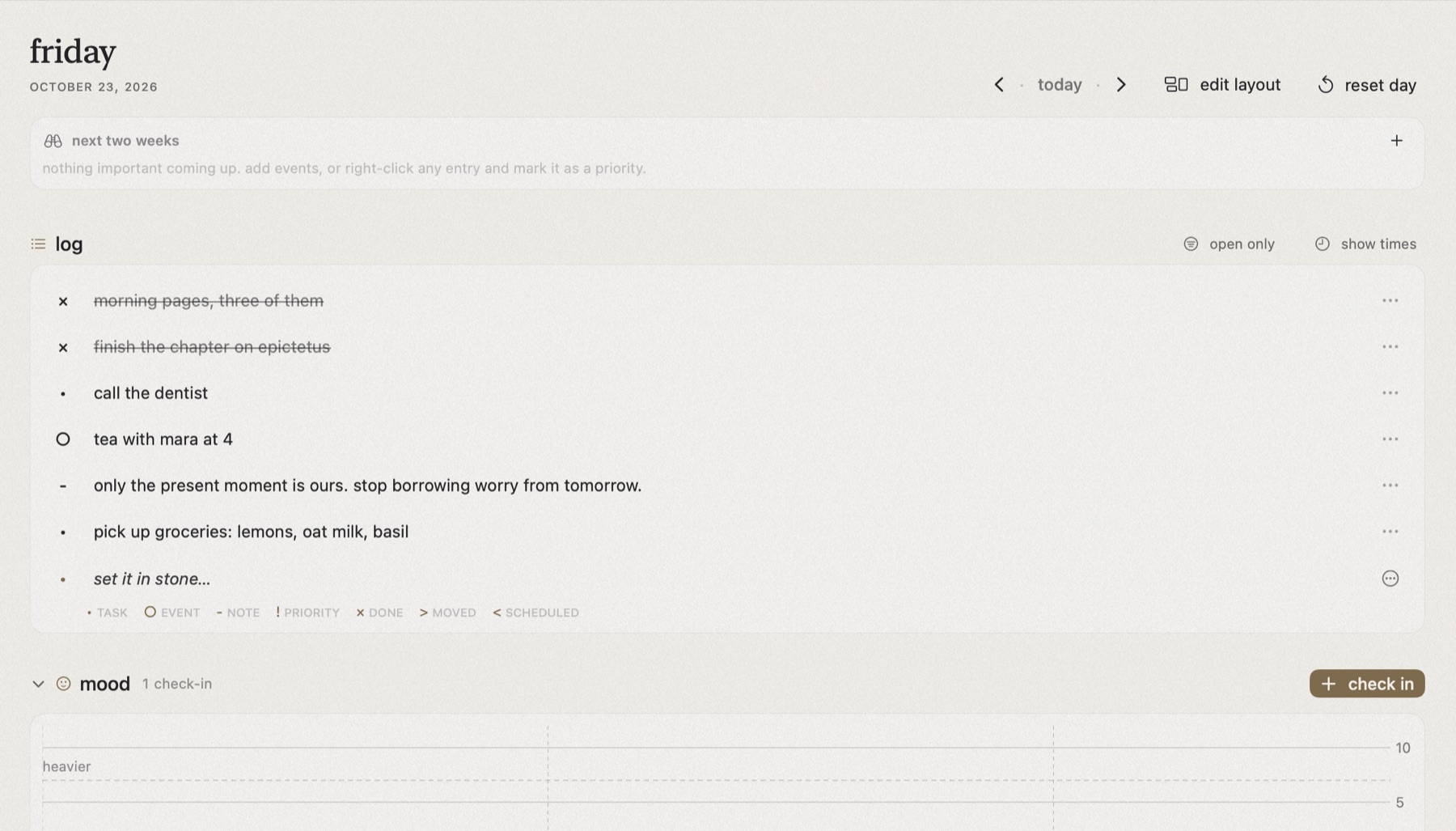

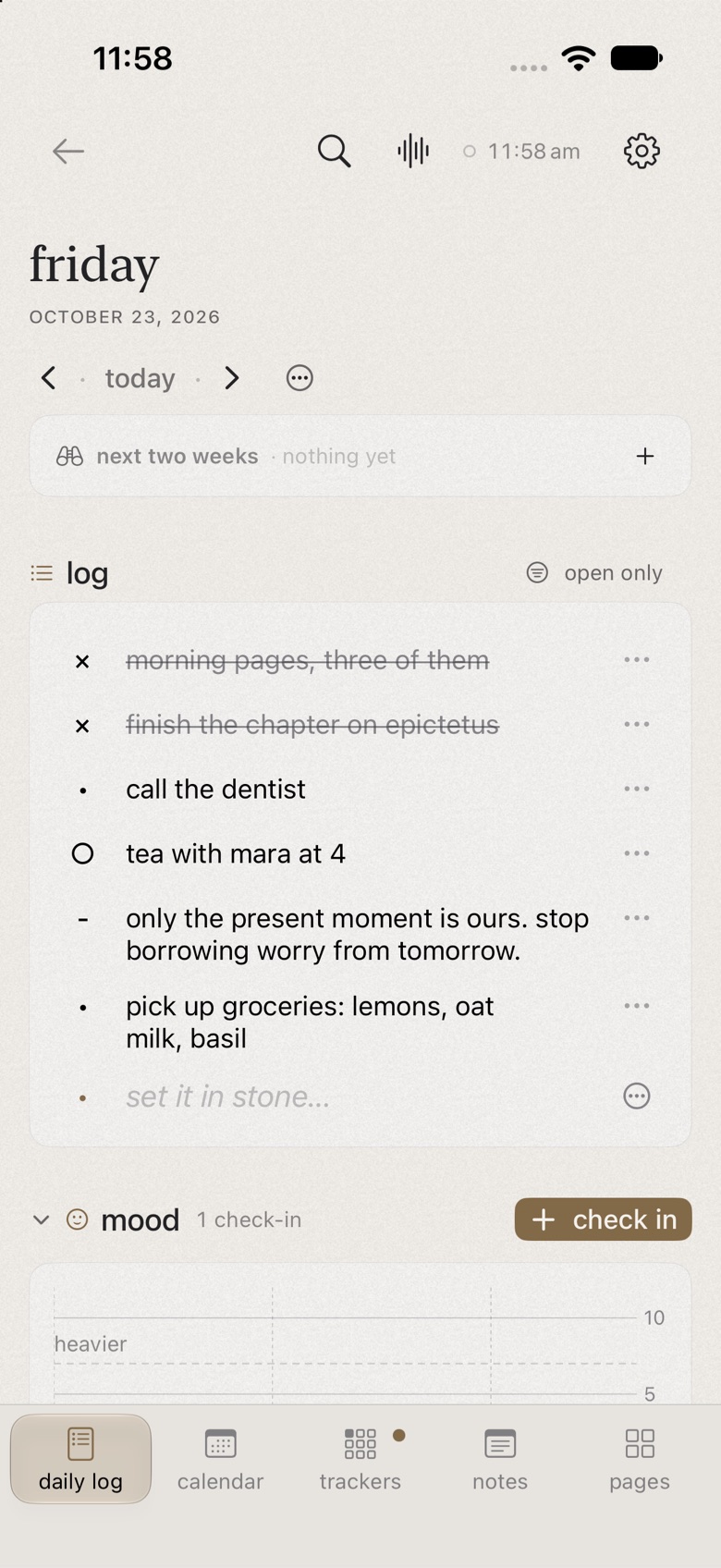
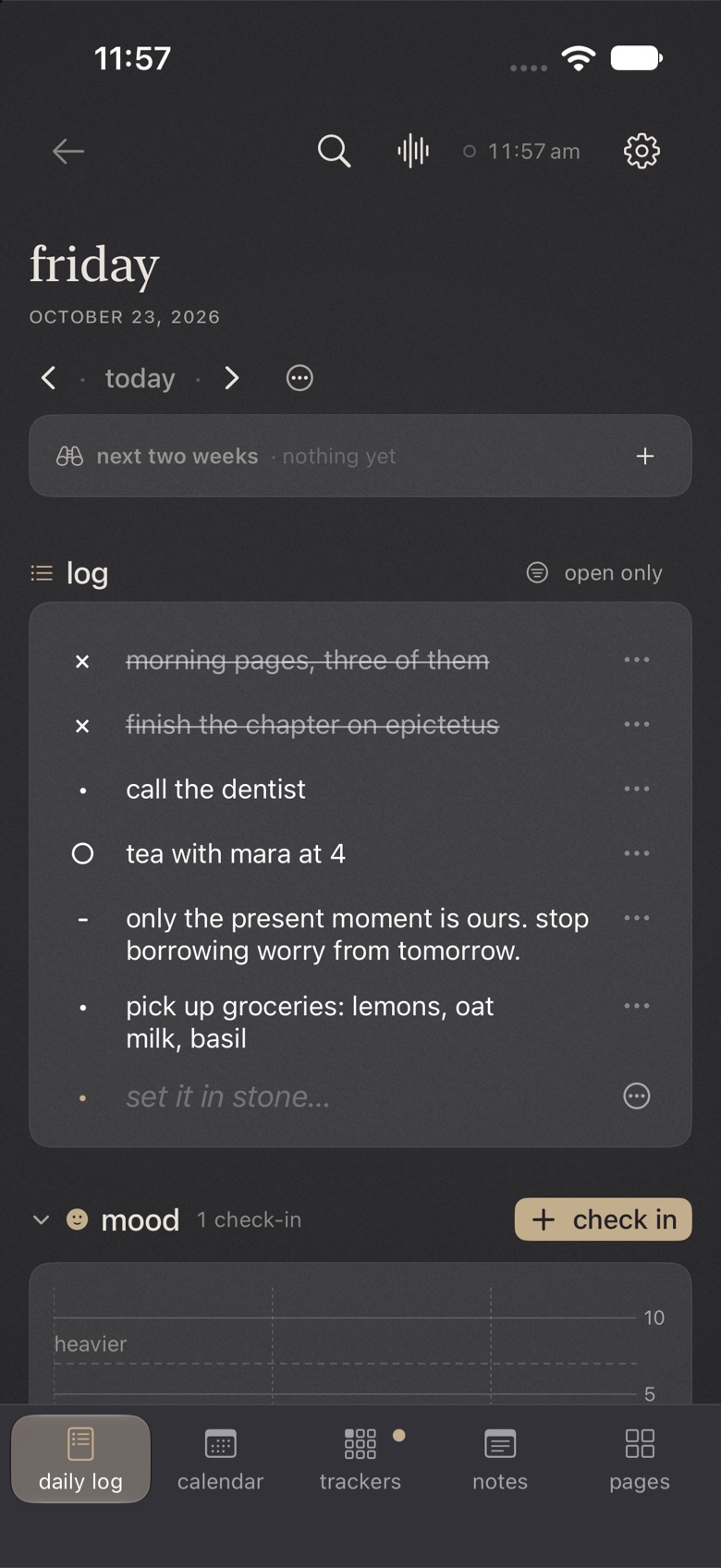
tabula is latin for a writing tablet: the wax kind that could be smoothed clean and written on again. that idea is the heart of the app. every day opens blank, and you decide what goes on it.
it's shaped by stoic philosophy too: pay attention to what's in your control, look back honestly on the day, and let the rest go. the daily log, the mood check-ins, and the annals are all built for that small evening habit of reflection.
the other reason is practical. there are so many apps that track just one thing: one for habits, one for water, one for sleep, one for mood, one for workouts, one for books. i got tired of juggling fifty of them, so i built a single app that does all of it, and does each part properly. you only need one.
no server on our side, so your journal has nowhere to go.
nothing to sign up for
sync only to your private icloud
and you can turn it off
anonymous counts, if you opt in
backups can have a passphrase, notes can lock with face id, and private pages stay out of search and widgets. only lookups leave your device (weather, books, shows). full privacy policy.
both run on your device, never a server. turn either off if you'd rather not.
say your day, and it sorts it into trackers, tasks and events
pythia, hestia and diogenes read your tarot and i ching (aurum)
oratio never logs a question or something you didn't do. if a reading mentions self-harm, tabula stops and shows where to find help.
drag to see more.

talk or type. oratio keeps listening until you tap, then logs it all at once.
tasks, notes, trackers and the day's cairn, together.

mood over time, water rings and every tracker you keep.

a formatting bar, a page view, word goals, and pdf or word export.

draw a spread, swing the pendulum or read the sky, then journal what comes up.

doses, symptoms and apple health. a journal, never advice.

talk or type. oratio keeps listening until you tap, then logs it all at once.
tasks, notes, trackers and the day's cairn, together.

mood over time, water rings and every tracker you keep.

a formatting bar, a page view, word goals, and pdf or word export.

draw a spread, swing the pendulum or read the sky, then journal what comes up.

doses, symptoms and apple health. a journal, never advice.
six stone themes. drag to see them all.
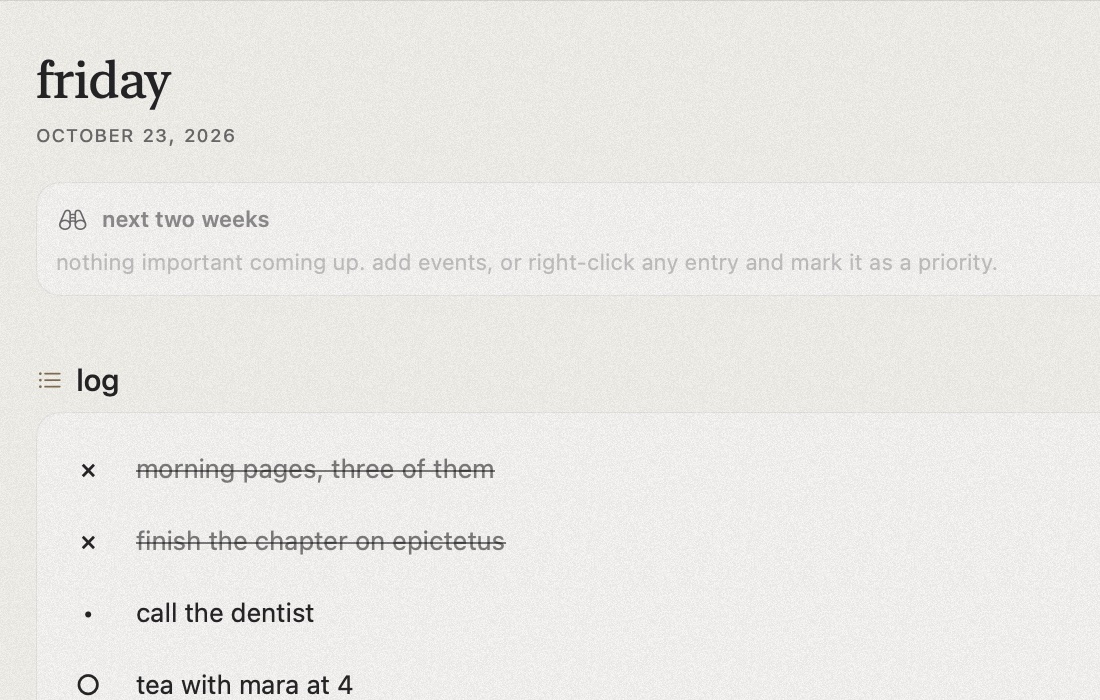
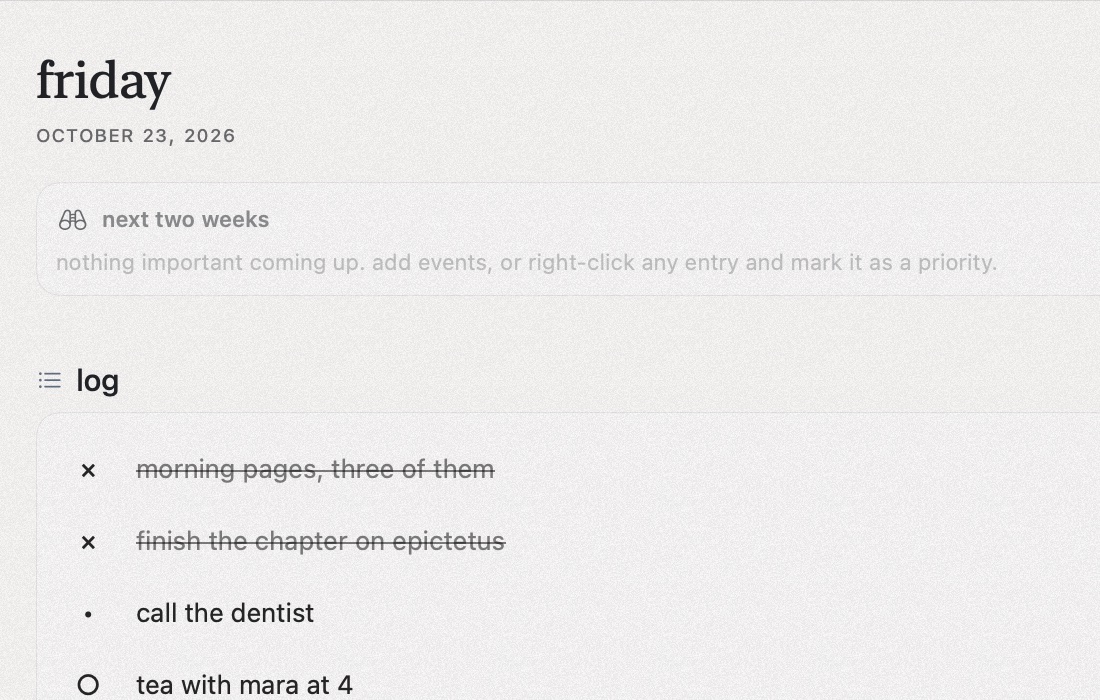
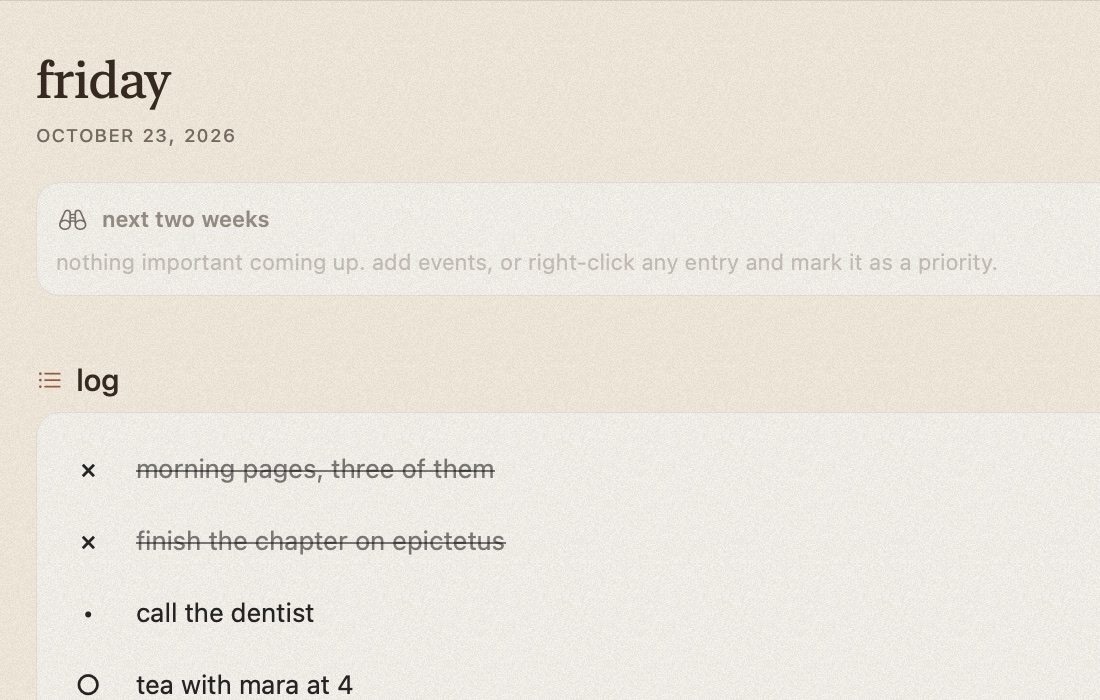
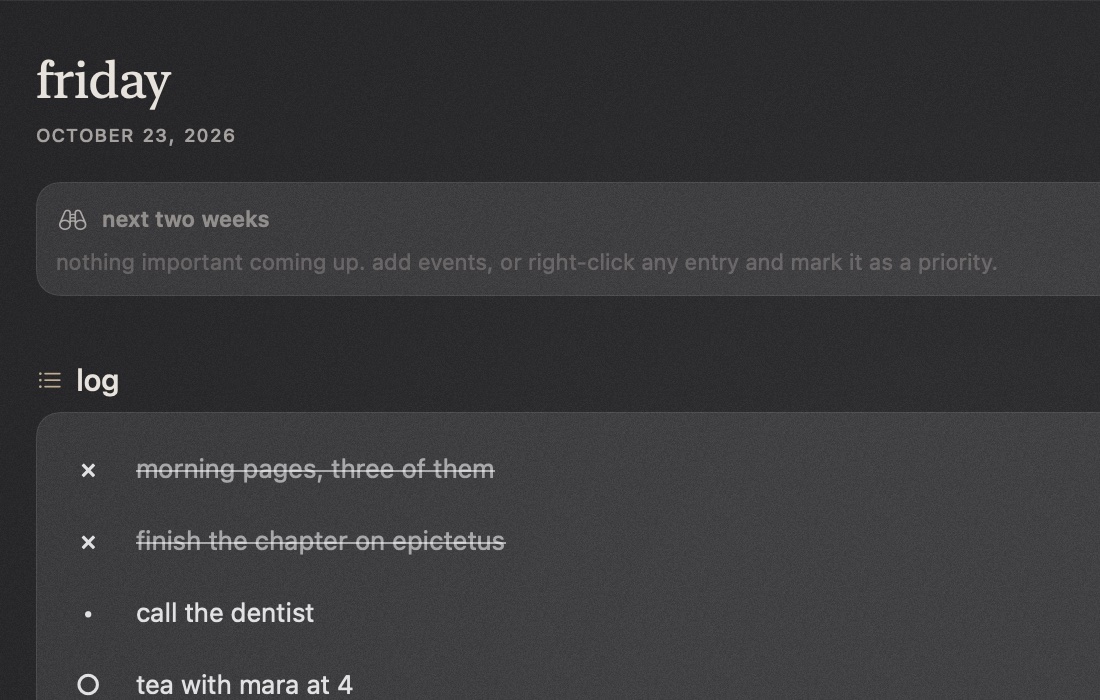
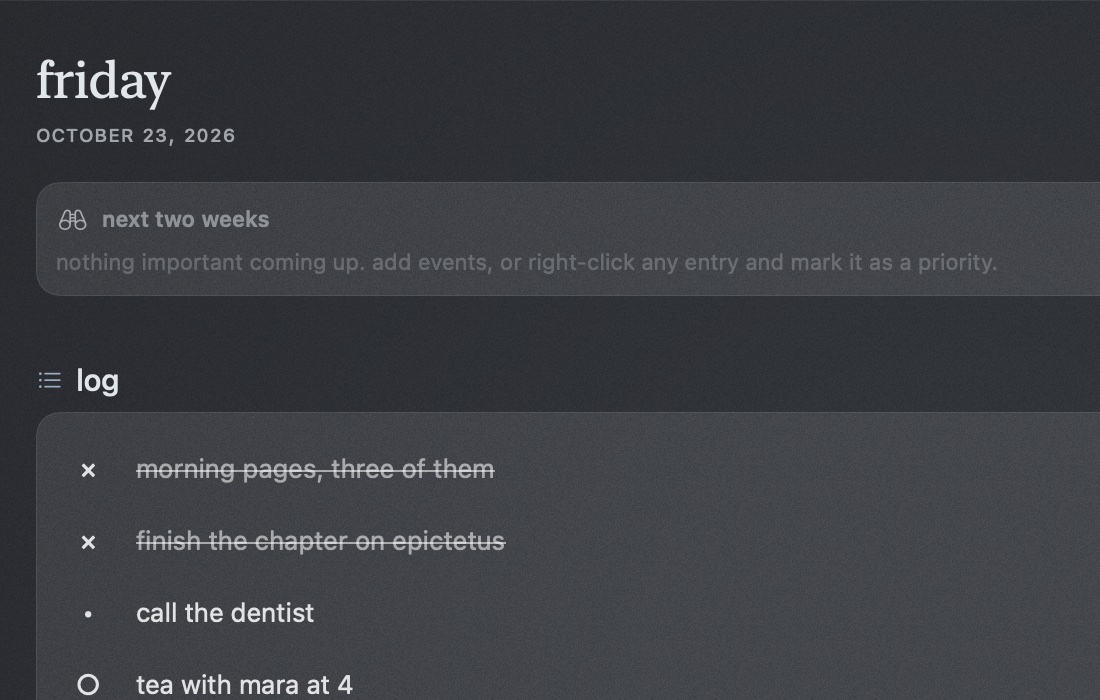
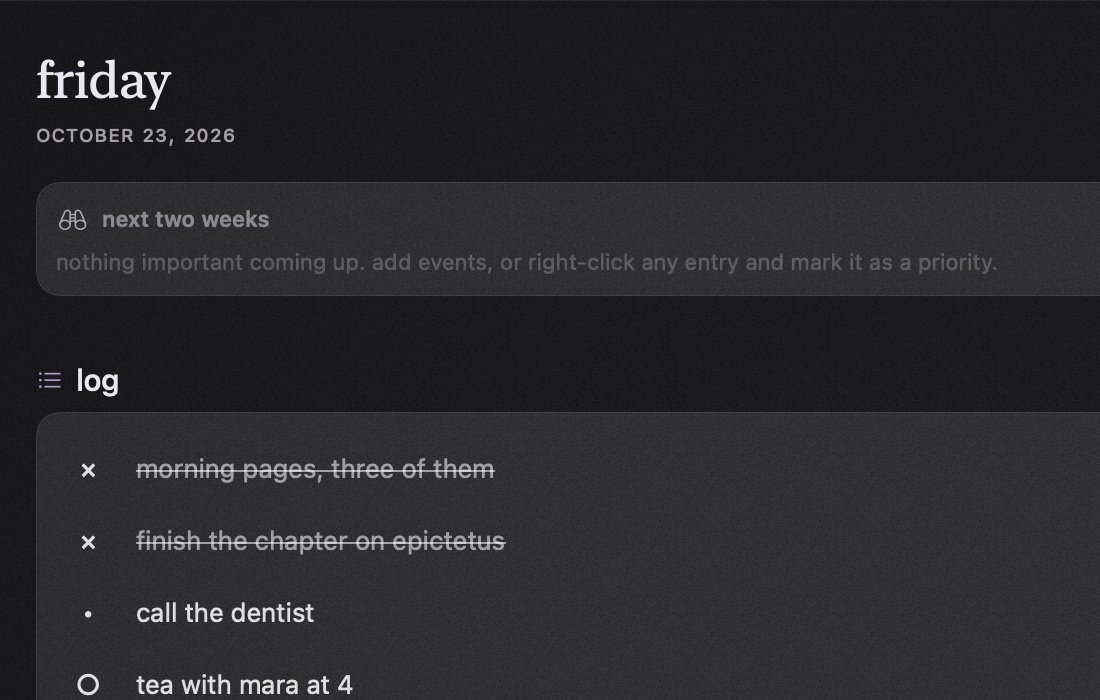
all free. turn on only what you use.
tasks, events and notes, day by day
any kind, by tap or by voice
the full feelings wheel, charted
doses, symptoms, apple health
programs, workouts, progress
projects, focus and zotero
a writer's editor, pdf and word export
tarot, i ching and astrology
what's due, what's spent
answer them from the lock screen
import from obsidian and notion
six stones, a widget for any page
a few extras, if you want them. everything you need stays free.

psychology phd student. lifelong bullet journaller. emo and edm. cat mum to sevro and lulu. loves nick.

numbers person. video games. cat dad to miyu. loves alvina.

made the logo and the rocks. very aesthetic. very real artist.

glorified bug tester. raver. cat mum to pebble, muse of the stones.

tech bro. startup brain. dog dad to bean.

designers, devs, testers. tell us what you'd bring.
how studies shaped tabula. it's a journal, not a treatment.
mood monitoring on its own barely changes symptoms; adding brief skills does (Astill Wright et al., 2026; Everitt et al., 2021)
so tabula: never claims tracking treats anything.
small planned activities, reappraisal and breathwork can help, though single techniques are mixed (Bralee et al., 2025; Fincham et al., 2023; Morello et al., 2023)
so tabula: offers one optional skill after a heavy check-in.
gamification doesn't make mental health apps work better or keep people longer (Liu et al., 2025; Six et al., 2021)
so tabula: no streaks, points or red "missed".
people lapse and come back as part of normal tracking (Epstein et al., 2015)
so tabula: welcomes you back, with nothing to catch up on.
frequent, time-consuming check-ins are among the main reasons people give up (Astill Wright et al., 2025; Machleid et al., 2026)
so tabula: one tap or one sentence, and only the reminders you choose.
adults with adhd want quiet, flexible support over pressure (Chen et al., 2026; Deshmukh, 2025)
so tabula: focus helpers: fewer choices, one thing at a time.
found with consensus. in crisis? please contact a local crisis line or emergency services.
tabula is in a closed beta with friends. tell me a little about you to join, and say hi in the discord.
join the closed betadiscord